7 Remote Hackathon Tips First-Time Participants Need in 2026
I’ll be honest: my first remote hackathon in 2021 was a blur of bad Wi-Fi, mute-button panic, and a project that crashed five minutes before the pitch. By 2026, the landscape has shifted again—digital fatigue is real, async tools are the norm, and the days of “just hop on a Zoom for 48 hours straight” are gone. Remote hackathons now demand a new kind of discipline: you have to manage your energy, communicate without constant calls, and build a demo that pops on a judge's laptop screen. Whether you’re a student, a career-switcher, or a seasoned dev trying remote for the first time, these seven tips will save you from my mistakes—and help you ship something you’re proud of.
1. Pre-Hackathon Prep: Set Up Your Digital Command Center
Before the hackathon even starts, treat the next 30 minutes as the most important investment you’ll make. I learned this the hard way when I spent the first two hours of a 24-hour sprint debugging a Docker install instead of coding. Your “digital command center” needs three layers: tools, hardware, and environment.
Tools That Won’t Let You Down
- Communication: Pick one primary channel (Slack or Discord) and agree on it with your team. Mute non-essential channels.
- Project management: Trello or Notion for tasks. I use a simple Kanban board with columns: To Do, Doing, Done, Blocked.
- Code collaboration: GitHub with a shared repo. Set branch protection rules to avoid accidental overwrites.
- File sharing: Google Drive or Dropbox for non-code assets (slides, images, docs).
Hardware Checklist (Test It Now)
- Webcam and mic: Run a quick Zoom test with a friend. Adjust lighting—judges need to see your face, not a silhouette.
- Internet: Use a wired connection if possible. If not, position your router in the same room.
- Secondary monitor: Even a tablet with a second screen helps. I use an old 1080p monitor for reference docs.
Environment
Clear your physical desk of clutter. Put your phone in another room (or at least on Do Not Disturb). I set up a “hackathon playlist” of lo-fi beats—no lyrics—to keep me from drifting. Pre-install every SDK, API key, and dependency listed in the hackathon’s resources. If they offer a starter template, clone it early. Trust me, you don’t want to be that person asking for help installing Node.js at hour six.
2. Build a Balanced Remote Team (or Go Solo Strategically)
In 2026, remote hackathon teams are more global than ever. I once teamed up with a designer in Brazil, a backend dev in India, and a frontend dev in Germany. It was a logistical puzzle, but we won second place because we were deliberate about roles and timezones.
How to Recruit the Right People
- Look for complementary skills: You want at least one person strong on frontend, one on backend, one on design (UI/UX), and one who can pitch. If you’re all backend devs, your demo will look like a terminal window.
- Use hackathon Discord channels or Team Up: Post a short intro: “I’m a frontend dev with React experience. Looking for a backend person (Python/Node) and a designer. Available full 48 hours.”
- Timezone check: Agree on a core overlap block (e.g., 4 hours per day) for live sync. Outside that, work async.
When Going Solo Makes Sense
If you have a super-focused idea—say, a single-feature Chrome extension or a well-scoped API wrapper—and you can handle both code and pitch, solo can work. I’ve seen solo winners who built a polished MVP that solved one problem beautifully. The trade-off: you’ll have no one to catch bugs or share the presentation load. Know your limits. If you’re a beginner, join a team with at least one experienced member—you’ll learn faster.
3. Master Async Communication Without Losing Momentum
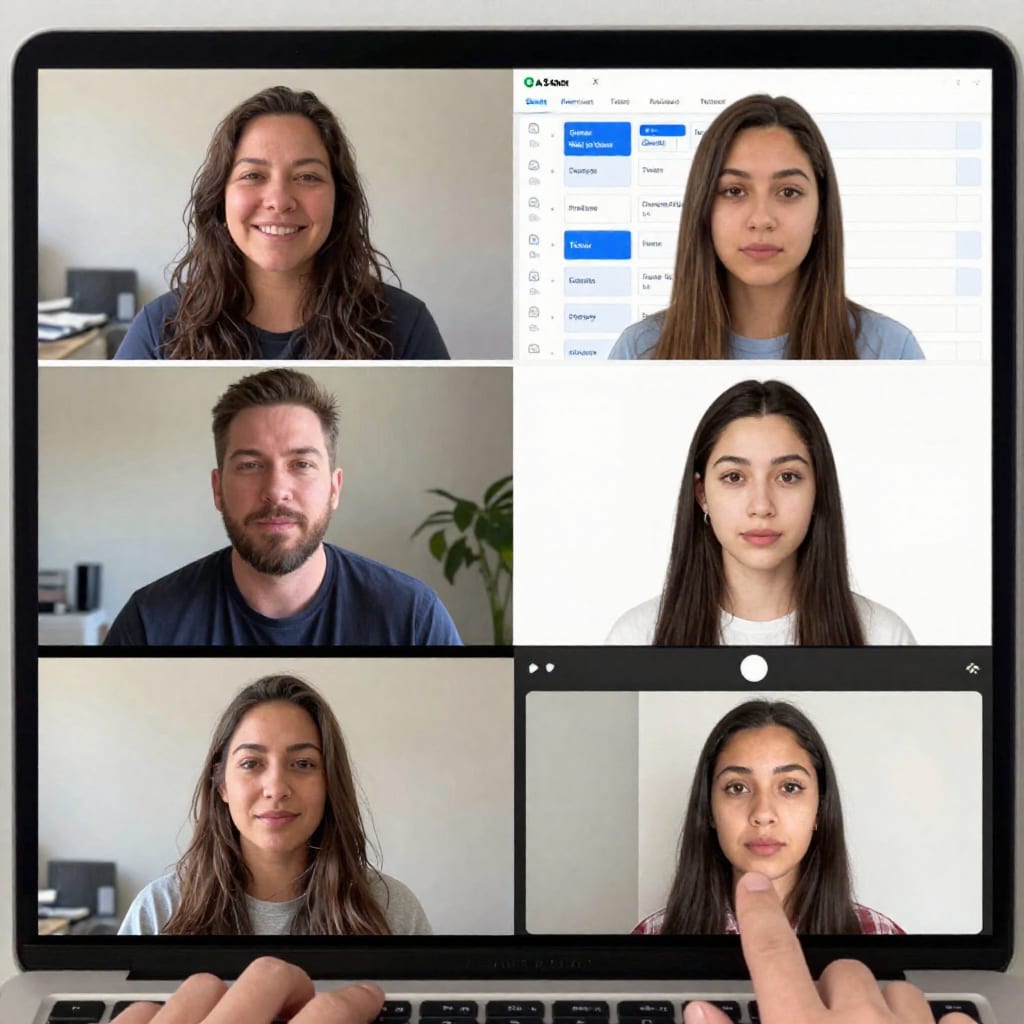
Here’s a counter-intuitive truth for first-timers: the best remote hackathon teams don’t meet constantly. They use async communication to stay in sync without draining energy. In my winning team, we had exactly two live calls: one at kickoff to decide the idea, and one before the pitch to practice. Everything else was text, video recordings, and shared docs.
Practical Async Strategies
- Daily standup in a shared doc: Each team member writes three bullet points at the start of their day: what I did yesterday, what I’ll do today, blockers. No meetings needed.
- Record Loom videos for code walkthroughs: Instead of explaining a pull request in a call, record a 2-minute screen video showing what changed and why. Saves hours.
- Set Slack statuses and response expectations: Use statuses like “Deep coding—back in 2 hours” or “On break.” Agree that urgent pings get a response within 30 minutes, non-urgent within 2 hours.
Mini Template for Async Daily Check-In
Copy-paste this into a Google Doc shared with your team:
**Day 1 Check-In**
- [Name]: Finished auth flow. Now working on dashboard UI. Blocked: need API endpoint for user data.
- [Name]: Designed three slide layouts. Ready for feedback.
- [Name]: Integrated payment API. Testing edge cases.
This keeps everyone aligned without a single meeting. It also creates a log you can reference later for the project’s evolution.
4. Time-Box Like a Pro: The 24-Hour Remote Sprint
The biggest mistake I see first-timers make is treating a hackathon like a marathon coding session with no structure. They start building immediately, hit a wall at hour 12, and produce a half-baked demo. Instead, split your 24–48 hours into clear phases. Here’s a framework that worked for me in a recent 24-hour sprint:
| Phase | Time Block | Goal |
|---|---|---|
| Ideation & planning | First 2 hours | Brainstorm ideas, pick one, sketch architecture, assign tasks |
| MVP building | Next 12 hours | Build the core feature that proves your concept. No polish yet. |
| Sleep block | 4–5 hours | Sleep is non-negotiable. Set an alarm. Wake up refreshed. |
| Polish & integration | Next 4 hours | Fix bugs, add UI touches, integrate team members’ work. |
| Pitch prep | Last 2 hours | Rehearse the demo, record a backup, prepare for Q&A. |
Use the Pomodoro Technique during the building phase: 25 minutes of focused coding, 5 minutes of stretching or water. I set a timer on my phone and stick to it. When the timer goes off, I stand up, walk to the window, and return. It sounds simple, but it prevents the “I’ll just fix this one more bug” spiral that eats your whole afternoon.
5. Demo and Pitch: How to Stand Out on a Zoom Screen
Your project might be brilliant, but if the judges can’t see it clearly or the pitch drags, you’ll lose their attention. In 2026, most hackathons use Zoom or a custom platform for final presentations. I learned this lesson when my first remote demo froze, and I had to restart mid-sentence. Now I do three things before every pitch:
- Test screen sharing and audio: 10 minutes before your slot, join the waiting room and share your screen for 30 seconds. Check that your mic is unmuted and your slides look right.
- Use a clean slide deck with visuals: No walls of text. One slide = one idea. Show screenshots of your app, an architecture diagram, and a user flow. Judges love seeing a before-and-after comparison.
- Practice with a timer: Aim for 3 minutes max. Record yourself once and watch it back. I always cut 30 seconds of rambling after the first run.
Storytelling Makes the Difference
Judges watch dozens of pitches in a row. Yours needs a hook. Start with a problem someone has: “Have you ever tried to find a recipe with ingredients you already have? That’s what we solved in 24 hours.” Then show your solution. End with a clear ask: “We’d love feedback on our approach to real-time search.” Keep eye contact (look at your webcam, not the screen) and speak with energy. If you sound bored, the judges will be too.

6. Avoid Burnout: The Hidden Cost of 24-Hour Coding
I once pulled an all-nighter during a hackathon and spent the next three days recovering. It wasn’t worth it. Remote hackathons in 2026 are still intense, but the smartest participants prioritize their health. Here’s what I now do to avoid crashing:
- Set a bedtime alarm: I schedule a 4–5 hour sleep block no later than 2 AM. I use a sleep mask and white noise to fall asleep fast. When I wake up, my brain solves problems I was stuck on.
- Use eye-care tools: f.lux or Night Shift reduces blue light after sunset. Blue light glasses help if you’re staring at a screen for hours.
- Take real breaks: Every 90 minutes, I step away for 5–10 minutes. I stretch, walk around my room, or grab water. No scrolling social media—that’s not a break.
- Watch for burnout signs: If you can’t focus, feel irritable, or keep making silly typos, stop. Tell your team you need a 30-minute break. They’ll understand.
A quick list of burnout signs to share with your team:
- Re-reading the same line of code four times
- Feeling frustrated at minor problems
- Headache or eye strain
- Forgetting to eat or drink
If you see any of these in yourself or a teammate, call it out. A rested coder writes better code.
Conclusion: Your First Remote Hackathon Is a Learning Investment
You might not win your first remote hackathon. I didn’t. But I walked away with three things that mattered more: a working prototype I added to my portfolio, a new skill (I learned how to integrate a payment API that weekend), and connections with teammates who later recommended me for a job. Every hackathon is a chance to practice shipping under pressure—and in tech, that’s a rare and valuable muscle.
So, worth bookmarking before your next hackathon? Absolutely. Set up your command center, choose your team wisely, communicate async, time-box your work, rehearse your pitch, and take care of yourself. Then go build something cool. And after it’s over, share your experience on LinkedIn or Devpost—you never know who might see it.
Practical takeaway: Ship a single polished feature that solves one real problem. That’s worth more than a dozen half-baked ideas.